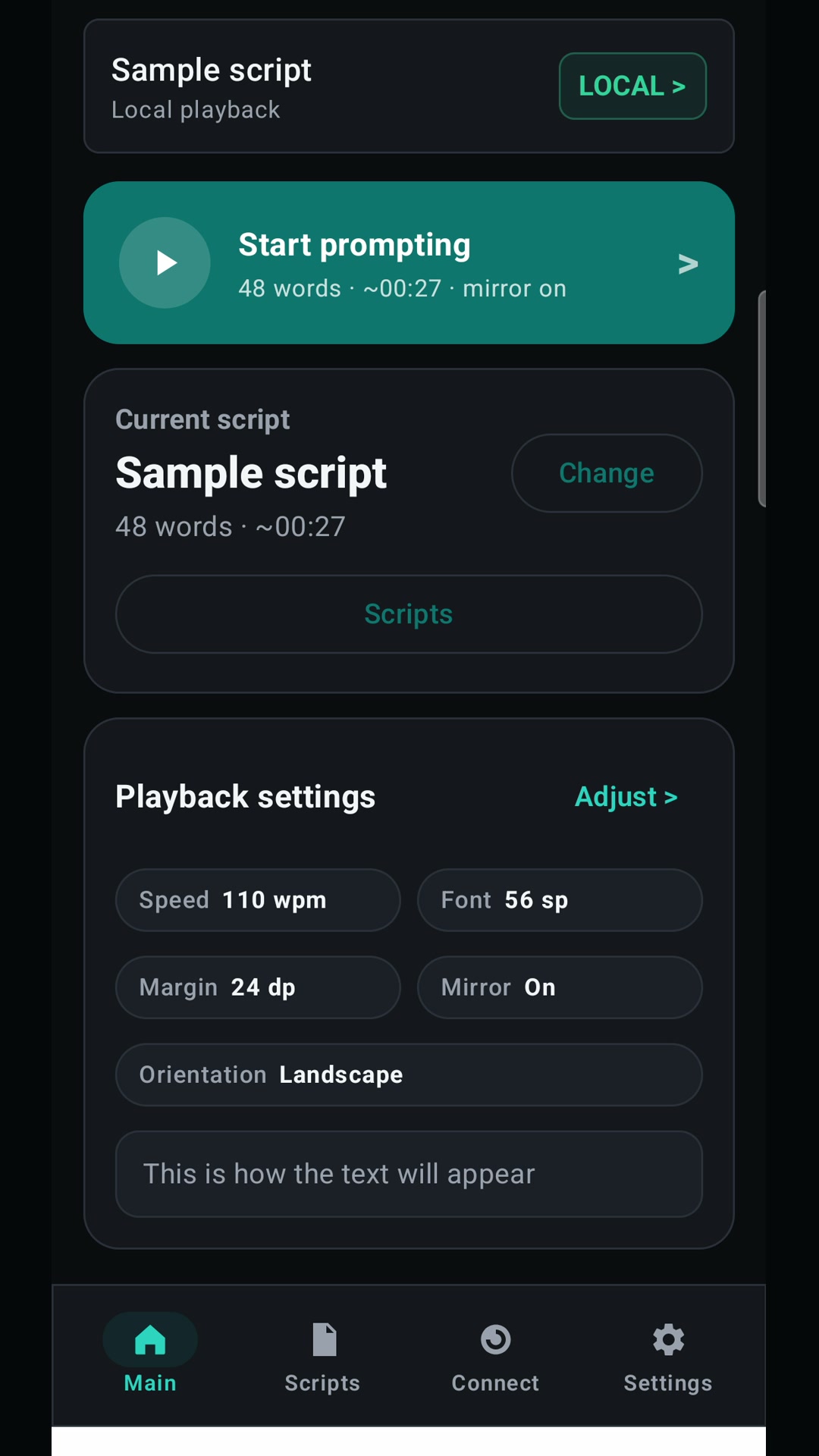
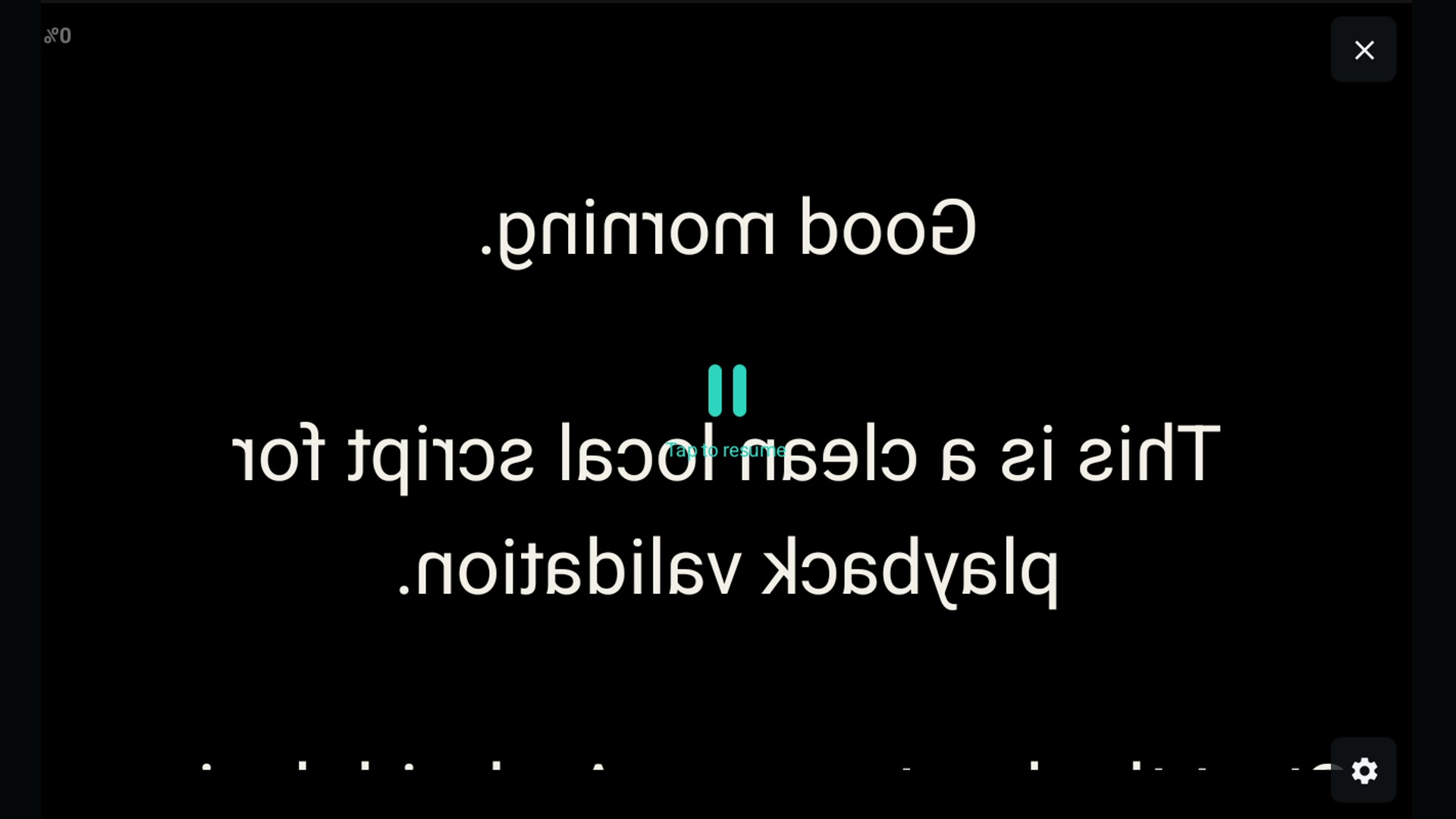
Mirror mode
Shows why the text is flipped on the device and readable in beamsplitter glass.
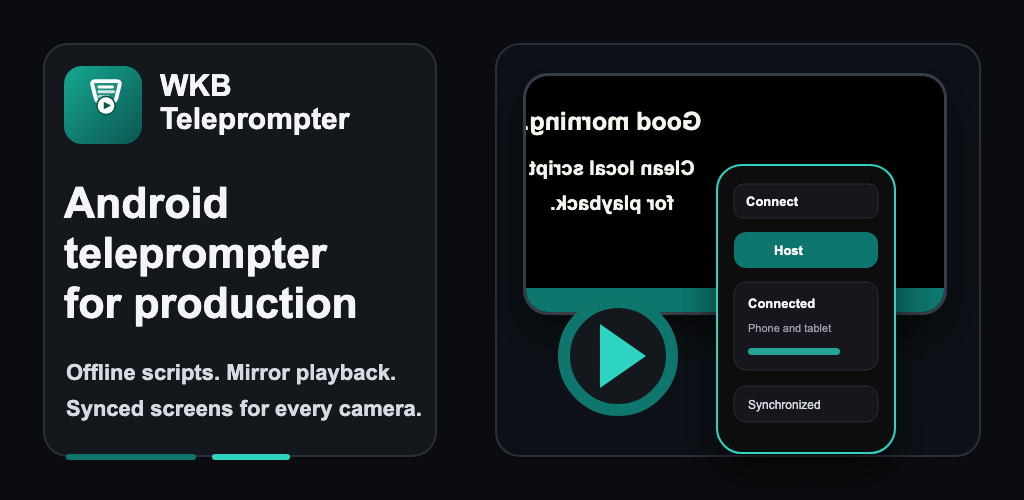
 WKB Teleprompter
Android teleprompter for real shoots
WKB Teleprompter is an offline Android teleprompter app for solo speakers, creators, small crews, and production teams. It supports mirror teleprompter playback, DOCX script import, Bluetooth presenter control, and second-device Wi-Fi control. Scripts stay on the device for sets, classrooms, and studios with weak or no network.
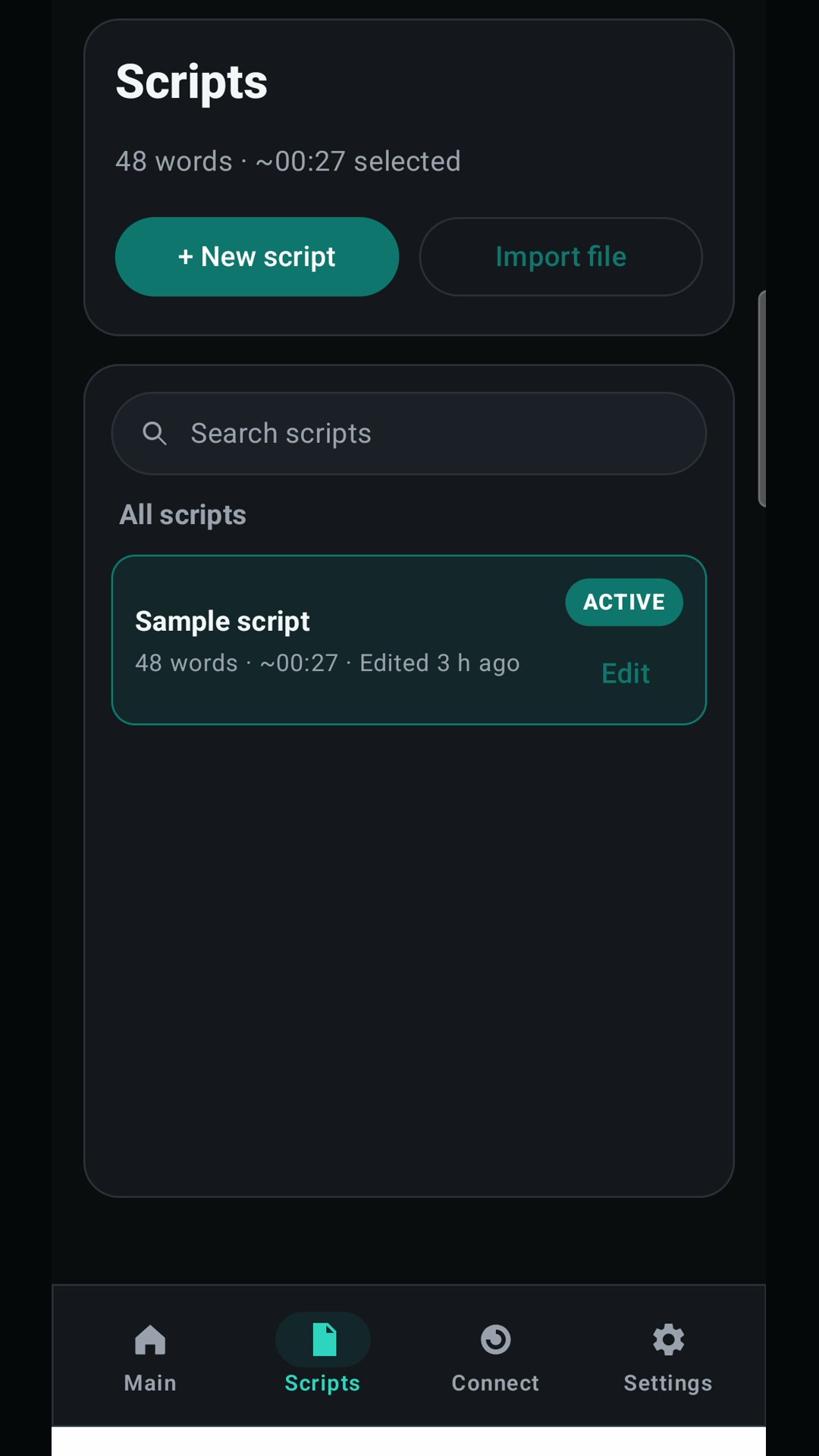
Prompting setup
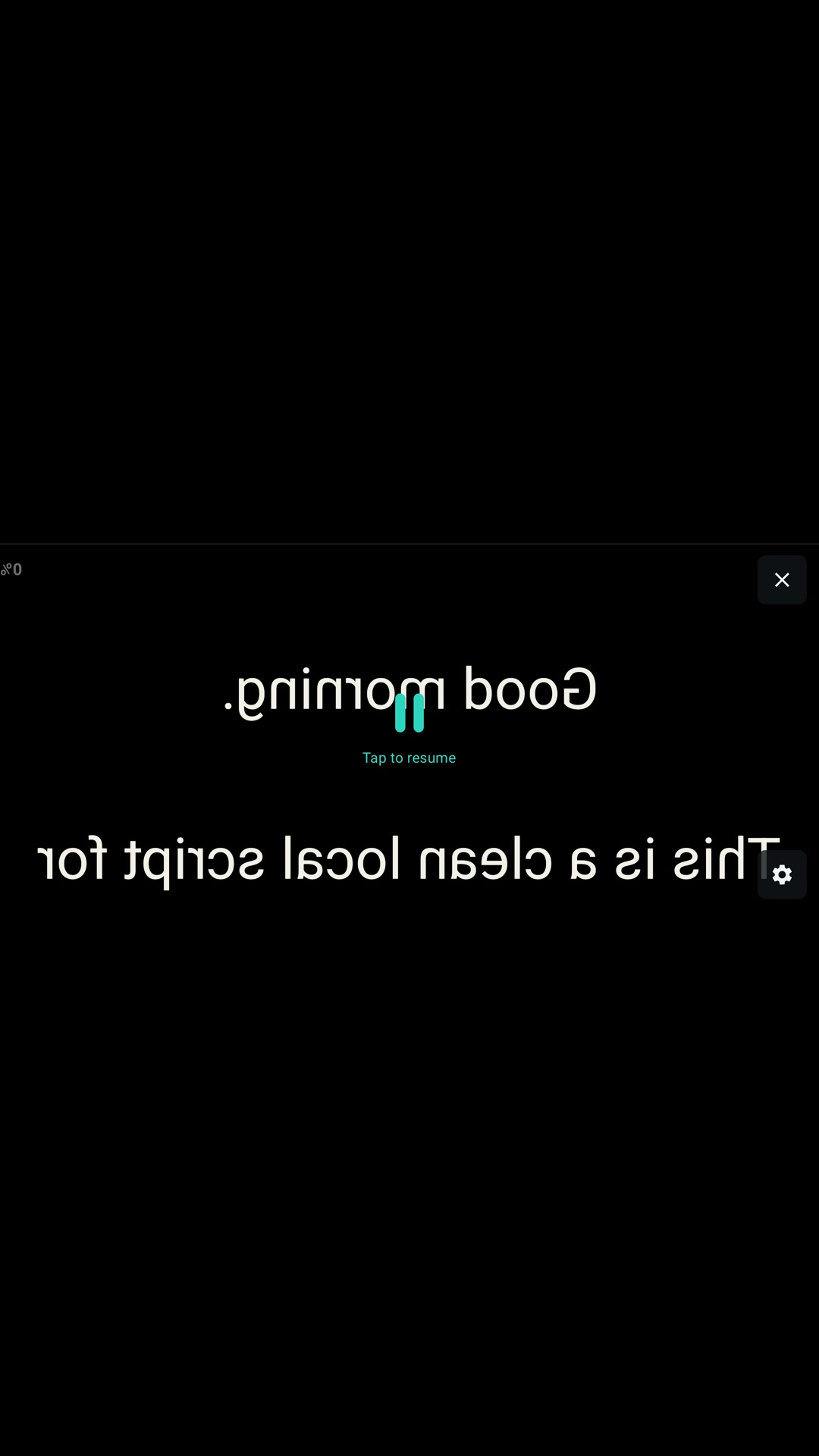
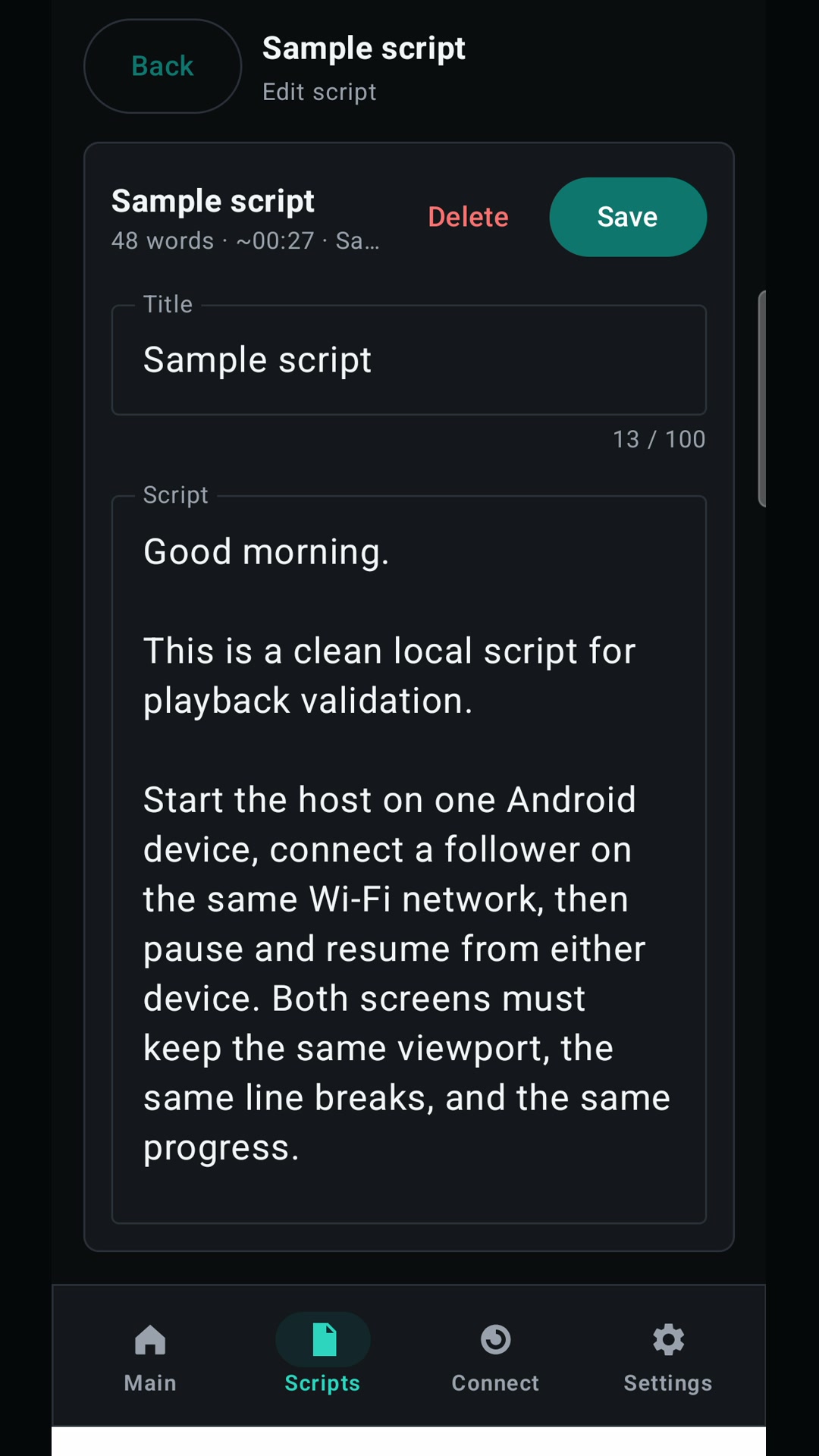
Version 1 keeps the core prompting workflow local on Android. Write a script in the app, import TXT or DOCX, adjust speed and font size, choose portrait or landscape, then run normal or mirrored playback.
You keep scripts on the device for sets, classrooms, small studios, and locations with weak network.
First-run onboarding
The first launch is not a generic tour. It walks through the parts that matter on set: mirror mode, local playback, synced Android devices, and hands-free control. After that, the same guide stays available from the app menu.
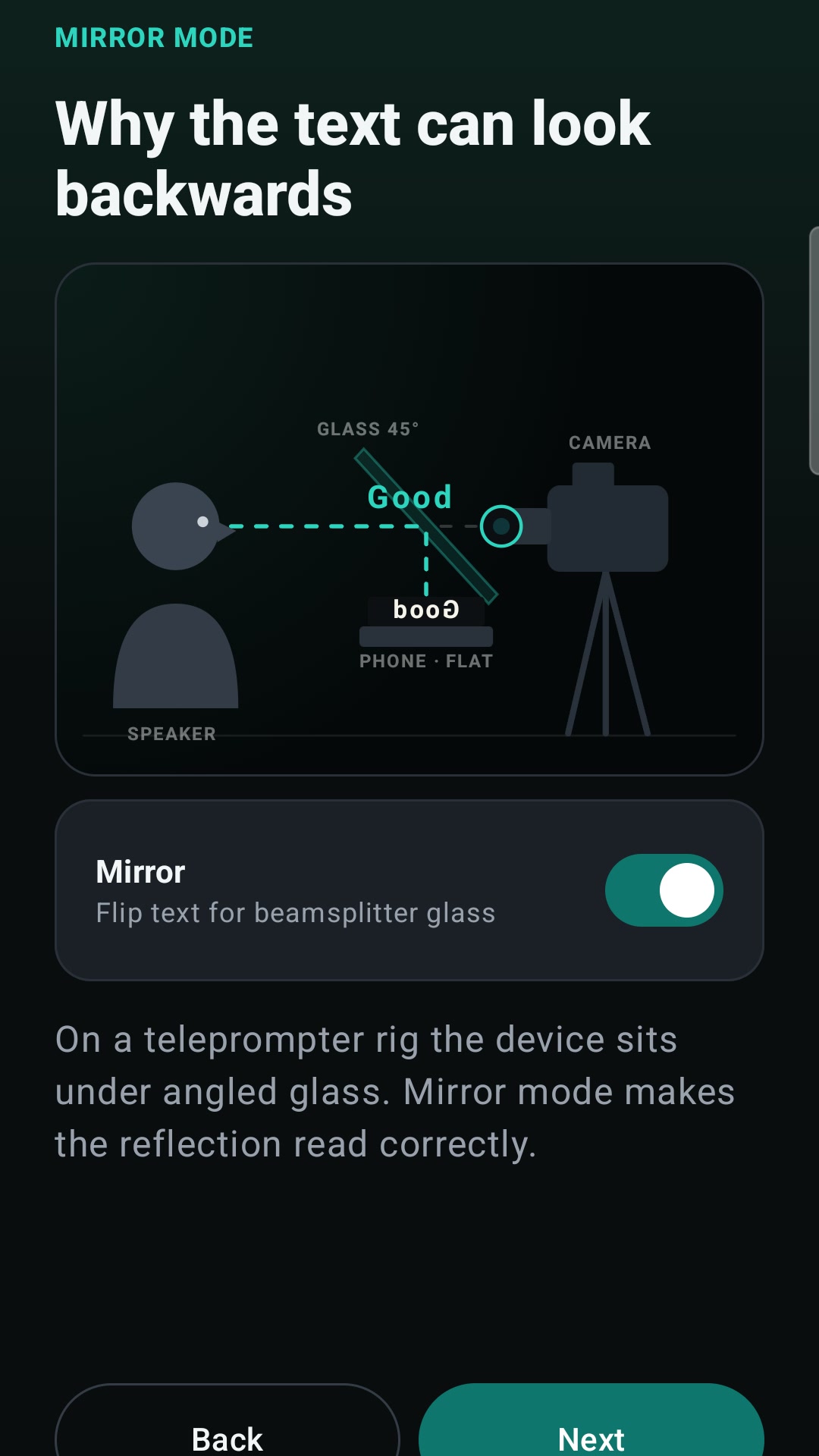
Shows why the text is flipped on the device and readable in beamsplitter glass.
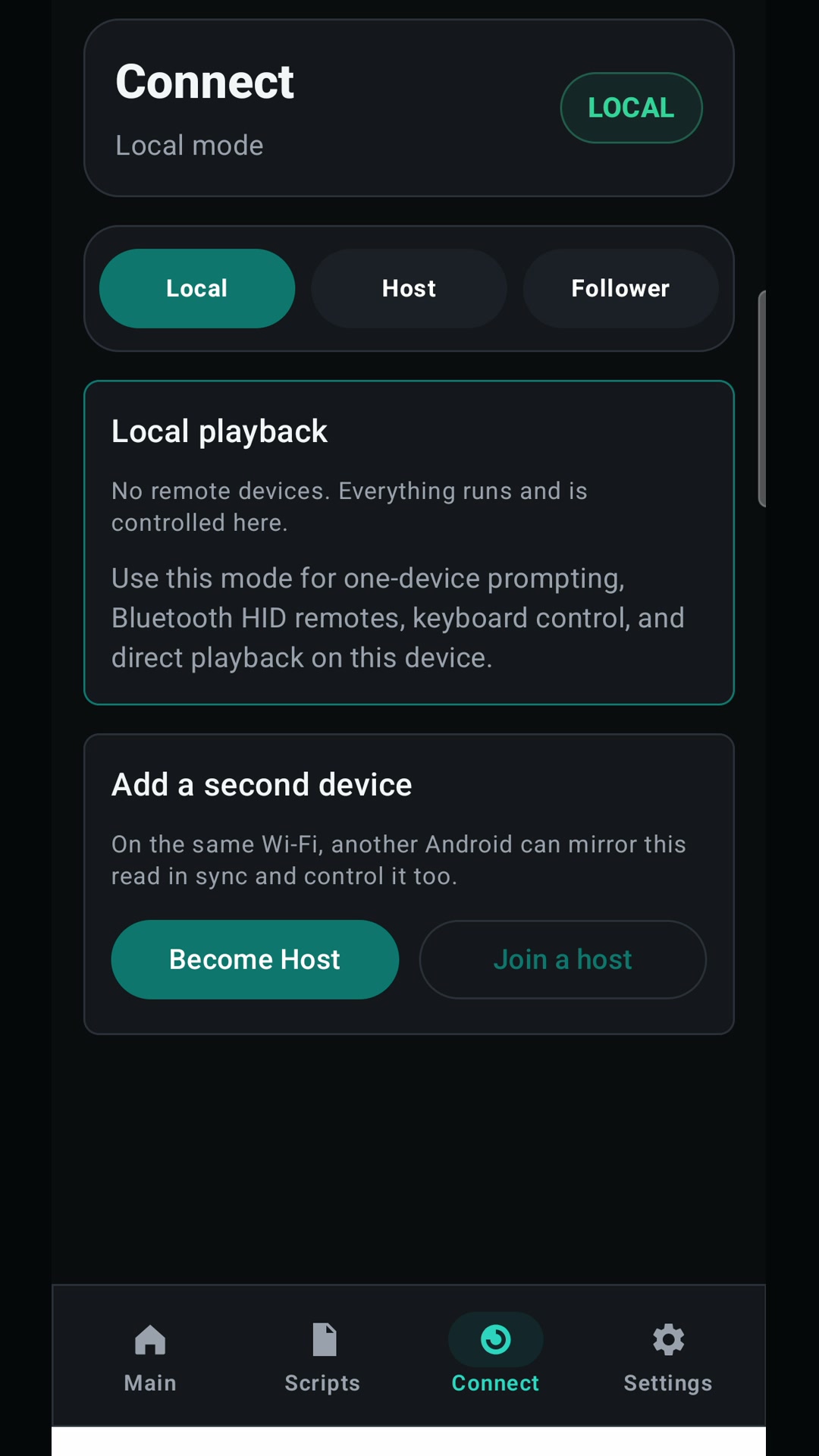
Starts with an offline script so a speaker can test speed, font size, and orientation immediately.
Explains host and follower screens on the same Wi-Fi network for phone and tablet setups.
Shows where to connect compatible Bluetooth HID presenters, keyboards, pedals, and mice.
Mirror teleprompter setup
In a beamsplitter rig, the Android device sits under angled glass. Mirror mode flips the script on the phone or tablet so the speaker sees readable text in the glass while the camera records through it.
Use this for talking-head video, tutorials, interviews, direct-to-camera courses, livestream preparation, and studio work where eye line matters.
Playback control
On a real shoot, touching the device can move the glass, shake the tripod, or break the speaker's rhythm. WKB Teleprompter keeps the basic controls close, but it also works with external controls that fit the room.
Use the phone or tablet screen for local rehearsal, desk recordings, and simple takes.
Start, pause, and move through playback from a physical controller paired to Android.
Keep a phone and tablet together as host and follower devices on the same trusted network.
Synced Android screens
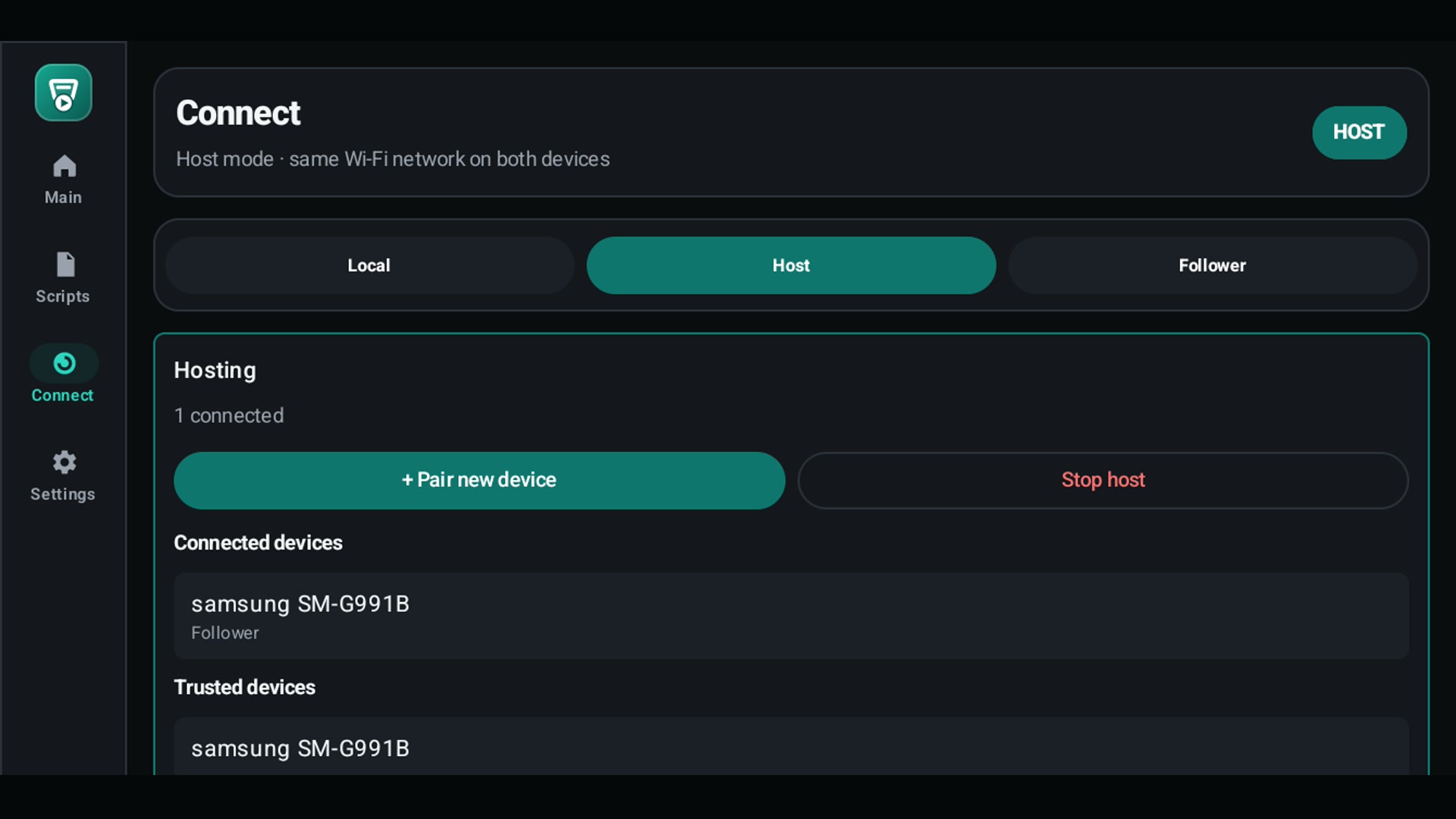
For two-device and multi-camera work, connect Android devices over the same local Wi-Fi network. One Android device hosts playback; follower devices stay aligned to the same script position.
A production can put a phone or tablet on each camera rig. The crew keeps every screen synchronized while each rig keeps its own size, orientation, and physical placement. This is the practical setup for several cameras shooting one speaker from different angles.
Keep scripts and playback on the Android device. Use the app without account setup for local prompting.
Bring prepared scripts from the Android file picker, including TXT and DOCX files available on the device.
Use compatible HID presenters, keyboards, pedals, and mice to start, pause, and control playback.
Run a host/follower setup on local Wi-Fi when a phone and tablet need to move together.
Use cases
Record YouTube videos, online lessons, course modules, and updates without memorizing every line.
Put the script on a rig, control the take with a presenter, and avoid touching the phone between lines.
Place a phone or tablet on each camera rig and keep all screens synchronized over local Wi-Fi.
Use normal playback on a tablet for speeches, livestream preparation, training, and cue-heavy sessions.
Available now
Version 1 is an Android-first release for local prompting, mirror rigs, HID control, and synced Android screens. The web surface remains a backup and operator/admin surface, not the main product.